






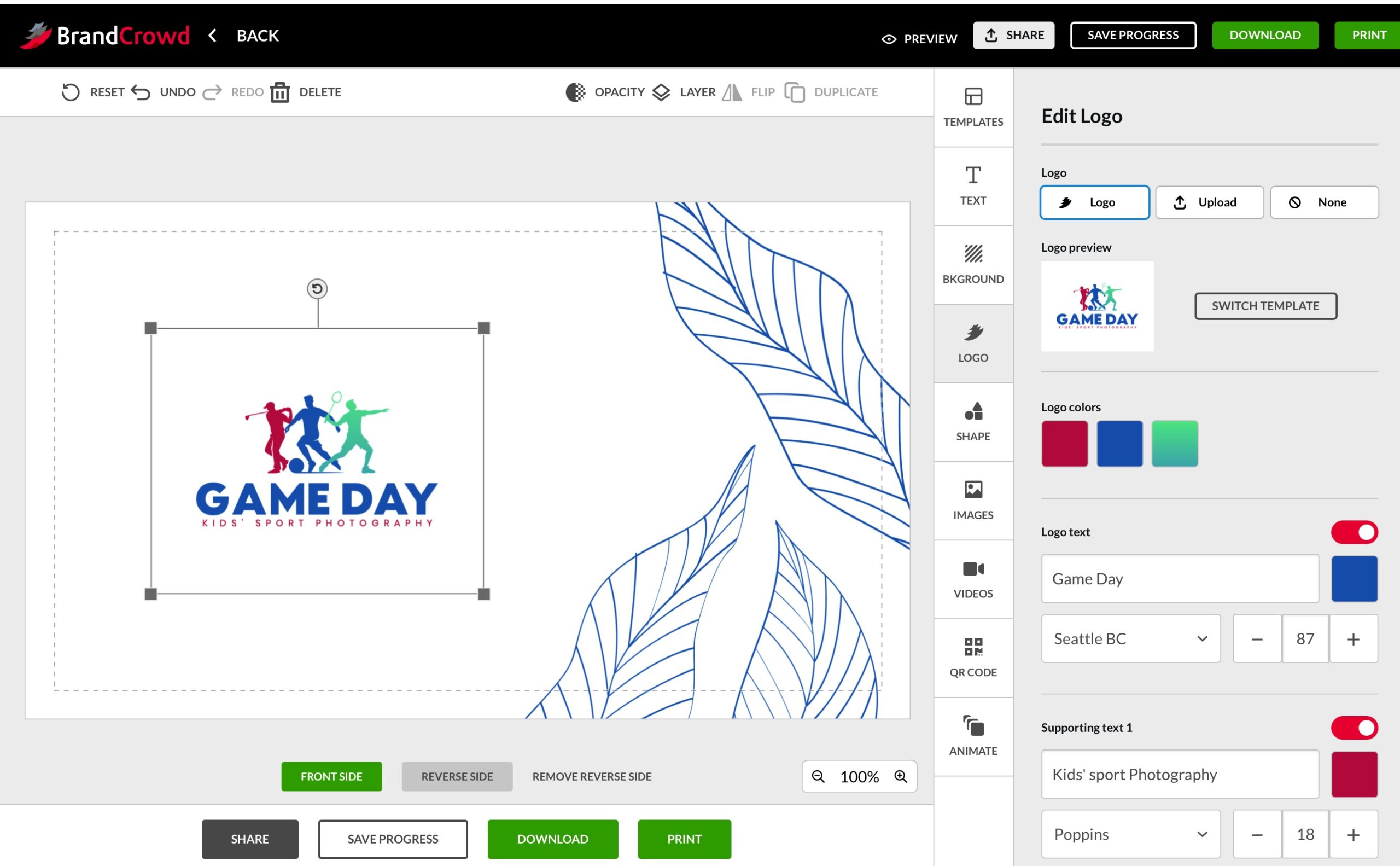
BrandCrowd Review for Photographers
A hands-on review of BrandCrowd’s Business Card Maker. See how the templates, editor, QR codes and branding tools perform for photographers & creatives.
Software | Paid Partnership | By Jeff Collier | Last Updated: June 17, 2026
Shotkit may earn a commission on affiliate links. Learn more.
I tested BrandCrowd's Business Card Maker to see whether it could create a professional-looking business card that I'd actually feel comfortable handing to a client.
For photographers and videographers, business cards are one of those marketing tools that often get overlooked.
Most of us spend far more time thinking about websites, portfolios, Instagram posts, and gear than we do about the small piece of card stock sitting in our camera bag.
…but business cards still have their place!
Whether you're at a wedding expo, local networking event, sports day, or simply chatting to a potential client, a good business card can be a quick and professional way to stay memorable.
To test BrandCrowd, I created a fictional kids' sports photography business called Game Day and challenged myself to create a finished business card as quickly as possible.
How Fast Can You Create a Business Card?
One thing became obvious almost immediately: BrandCrowd is built for speed!
I started by creating a logo for my fictional photography business and then moved straight into the business card generator.
Within seconds, BrandCrowd presented me with dozens of completed business card designs using my logo, colours, and business information.
Instead of starting with a blank canvas, I was immediately browsing finished concepts.
For someone who doesn't have design experience, that's a huge advantage.
There's no worrying about layout, typography, spacing, or where to place your contact details.
Most of the hard work is already done for you.
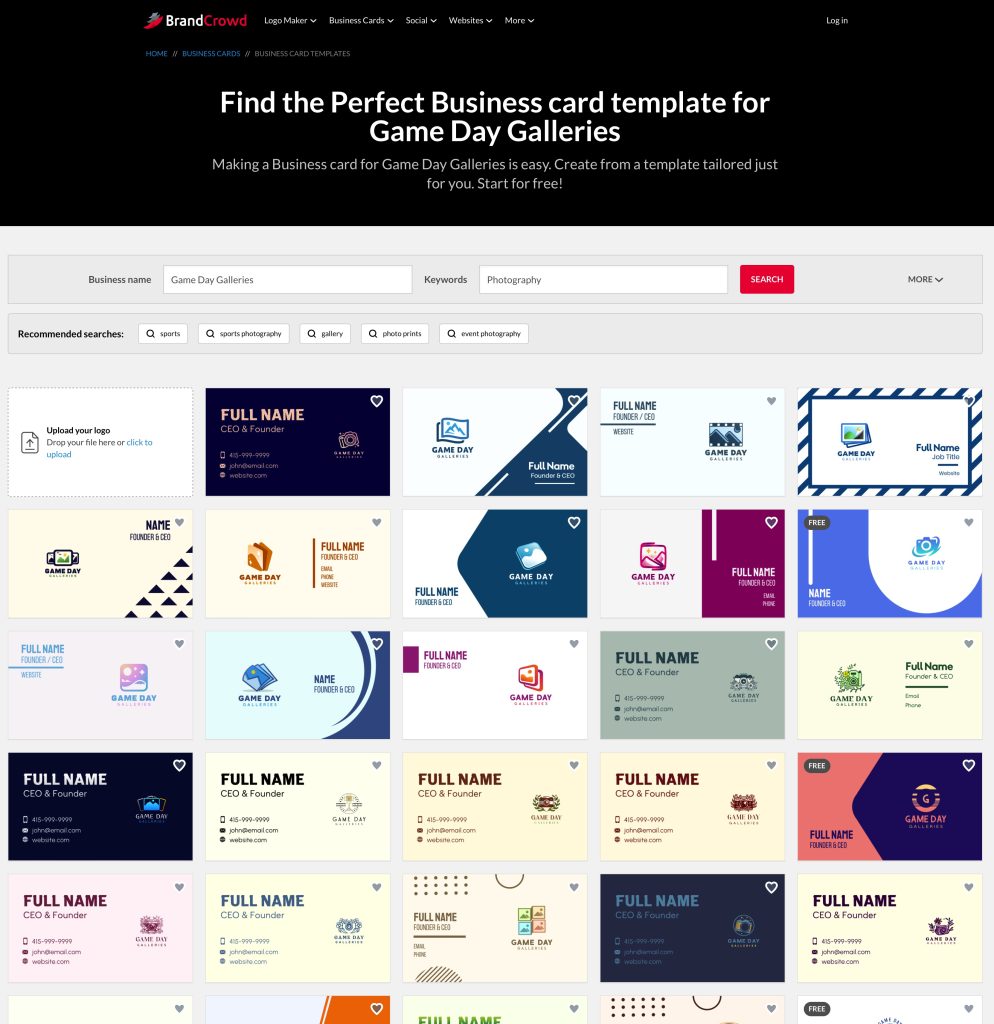
The experience felt less like designing a business card and more like selecting one.
Whether that's a positive or negative depends entirely on what you're looking for.
A Huge Number of Templates
If there's one thing BrandCrowd isn't short on, it's choice.
The platform generated an enormous number of business card designs almost instantly.
At first, this feels impressive – you can scroll through design after design without ever feeling like you've reached the end of the catalogue.
However, after a while I started noticing that many of the cards felt surprisingly similar.
While there were certainly differences in layout, colours, and typography, most designs sat within the same broad range of quality.
Some looked clean and professional, but a lot of them felt fairly generic.
In many ways, the experience reminded me of browsing through Canva templates or looking through the portfolio of a junior freelance designer.
BrandCrowd definitely prioritises quantity over quality.
Of course, there's nothing inherently wrong with that. After all, for many small photography businesses, a professional-looking business card is all that's required – just don't expect highly original design work.
The Feature I Found Most Useful
The biggest surprise wasn't the design tool at all; it was the QR code feature.
Adding a QR code takes only a few clicks, but BrandCrowd gives you several useful options for what happens when somebody scans it.
For example, your QR code can:
- open your website
- call your phone number
- create an email
- open an SMS message
- direct people to social media profiles
I tested several of these and they worked exactly as expected.
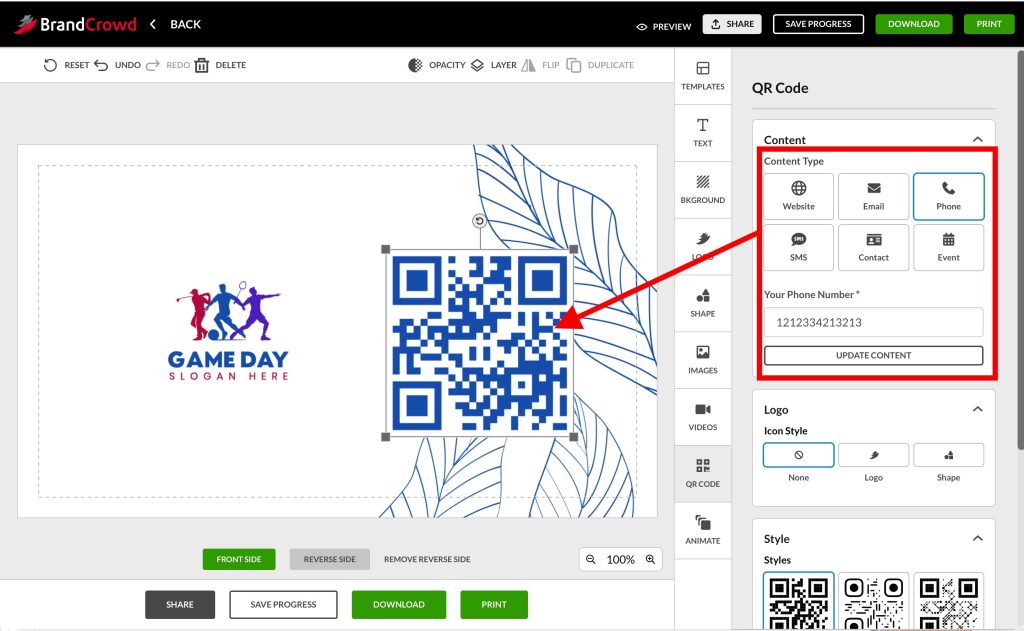
One QR code immediately opened a phone call screen, while another launched a website.
For photographers and videographers, this is really useful. Instead of hoping someone types your website address correctly later, you're giving them an instant way to take action.
Parents at a sporting event can immediately view your portfolio. Potential wedding clients can contact you while you're still talking to them. Business owners can save your details in seconds.
It's a small feature, but probably the one that adds the most practical value in my opinion.
Editing Your Business Card
Once I'd chosen a design, customising it was straightforward.
Virtually everything could be edited, including:
- fonts
- colours
- logos
- backgrounds
- contact information
- layout elements
- icons and graphics
The editor is simple enough that most people could create a finished card within minutes.
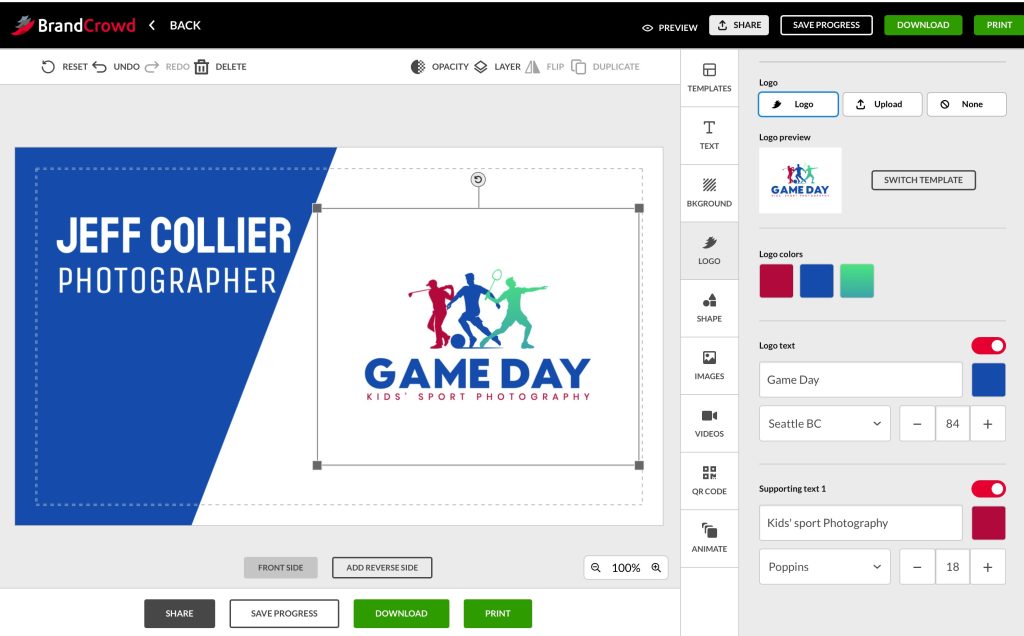
I particularly liked that BrandCrowd automatically populated the card with the information from my logo and business setup.
Rather than building everything from scratch, you're mostly refining and personalising what's already there.
That little touch definitely makes the entire process feel quick and approachable.
More Than Just Business Cards
Although I focused on business cards for this review, BrandCrowd offers a much broader collection of branding tools.
Once you've created a logo, you can also generate:
- social media graphics
- Instagram posts
- Facebook covers
- YouTube banners
- email signatures
- flyers
- marketing materials
- digital business cards
- website assets
Everything automatically uses your existing branding, colours, and logo, helping create a consistent look across multiple platforms.
For photographers building a new business, that's a nice bonus – read more about some of the features in my review of Design.com, which overlaps its services with BrandCrowd.
How Much Does BrandCrowd Cost?
You can create and edit business cards without paying.
However, you'll need to pay if you want to download (~$5) or print/deliver (~$50) your finished designs or access the full range of branding assets.
Compared to hiring a designer, the pricing is suprisingly affordable.
I haven't had any experience with other online branding platforms, so can't provide a direct comparison on pricing vs quality.
I'd recommend checking the latest pricing directly on the BrandCrowd website before purchasing, as plans and features can change over time.
Final Thoughts
BrandCrowd‘s Business Card Maker isn't trying to replace a professional designer.
Instead, it's designed to help small businesses create professional-looking marketing materials as quickly as possible, and for that purpose, it works well.
The platform is fast, easy to use, and offers an enormous number of design options.
The QR code functionality is particularly useful and adds a genuinely practical feature that many photographers and videographers will appreciate.
I found that the main downside is originality, with most of the designs feeling functional rather than memorable or highly original.
They're the kind of business cards that quietly do their job without drawing much attention to themselves, unless you have the design know-how to edit them into something more special.
If you're looking for something unique, you'll probably want a custom designer.
However, if you need a polished business card before your next shoot, sporting event, wedding expo, or networking opportunity, BrandCrowd makes the process remarkably quick and painless.
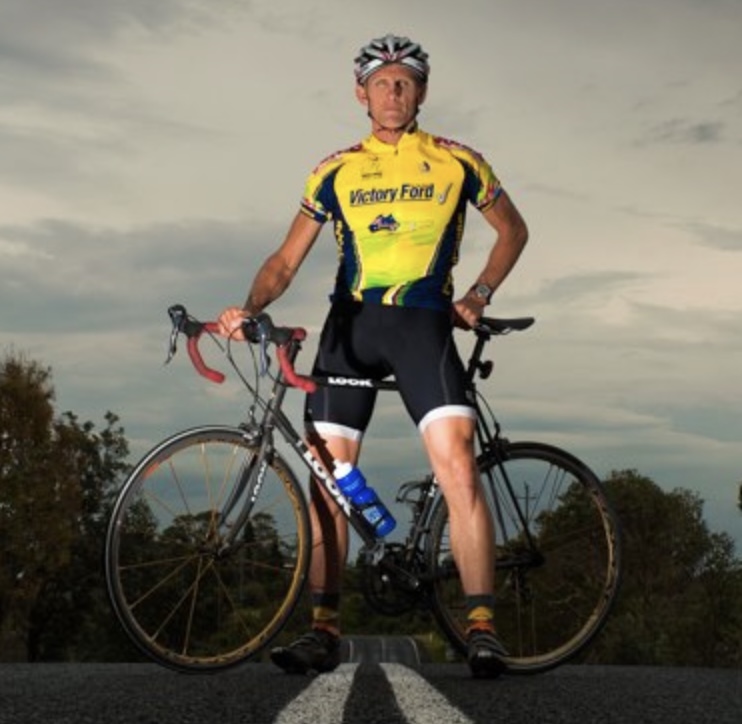
Jeff Collier is an experienced film photographer who enjoys experimenting with modern digital photography equipment, software and apps. He’s also an ex-world champion triathlete and avid cyclist, clocking hundreds of km each week in the beautiful Tweed Valley of northern NSW, Australia.
👋 WELCOME TO SHOTKIT!
🔥 Popular NOW:
