






How to Recover Deleted Photos From a Camera Memory Card

There is almost nothing worse in photography than wrapping a long shoot, pulling your memory card, and opening an empty folder or realizing you accidentally hit format. I faced this exact nightmare a few months back after a full day filming and shooting handheld stills. My primary image files vanished from view, giving me that sinking feeling across every preview screen I checked.
Before you panic and write off your missing files as gone forever, take a breath. When you delete a photo or quick-format a card, the camera or computer rarely destroys the underlying image data right away. It simply marks those sectors as available space. As long as you haven’t overwritten the card with new data, those RAW and JPEG files are still sitting in the shadows waiting to be rescued.
Here is how I went about recovering my lost photos using simple, step-by-step methods that actually work.
Method 1: Stop Using the Card and Run a Deep Scan via Recovery Software 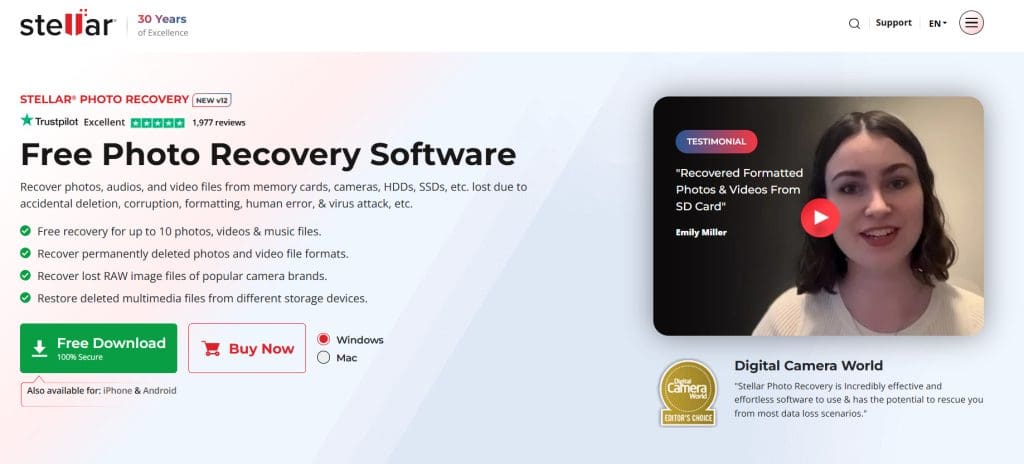
Whenever I encounter accidental deletions or a card error, my absolute first move is to stop writing data to that media immediately.
Popping the card back into a camera to check shots or shooting new test frames can permanently overwrite the blocks holding your lost memories, making dedicated tools like Stellar Photo Recovery essential for salvaging your files.
- Isolate the card: Remove the SD or CF card from your camera and plug it into your computer using a reliable USB card reader. If a system prompt asks you to format or repair the card, hit cancel.
- Install recovery software: Download a trusted utility like Stellar Photo Recovery or Disk Drill on your computer’s internal hard drive, never install recovery tools onto the card you are trying to fix.
- Select your storage device: Launch the software, locate your camera’s memory card from the list of available drives, and select it.
- Run a deep scan: Choose a deep scan option to search thoroughly for lost RAW files (like CR2, NEF, or ARW) and JPEGs. Let the process finish completely without interruption.
If you want to see what options are out there for managing storage media and evaluating utilities, take a moment to look over our comprehensive guide covering the best photo recovery software.
Method 2: Preview and Select Files Safely
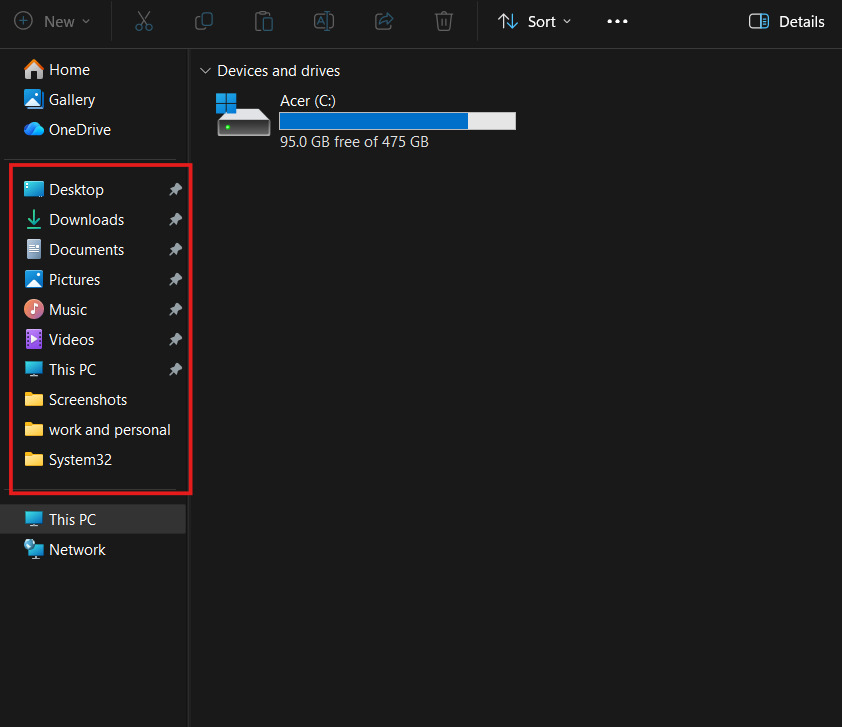
Once the recovery scan wraps up, you will be presented with a massive list of recoverable files. Finding your specific pictures requires using filters or preview panes so you don’t end up cluttered with thousands of low-res cache thumbnails.
- Filter by extension: Narrow down the search results by focusing strictly on image extensions like JPG or your camera’s proprietary RAW format.
- Use the preview feature: Click on individual files to open the preview window. Confirm that the image displays in full resolution and check the recovery health indicator if the software provides one.
- Recover to a safe destination: Select the checkboxes for the shots you want back, hit recover, and choose a folder on your computer’s local hard drive. Never save recovered files back onto the same memory card.
Shooting high-resolution commercial jobs places immense demands on your gear. If you are shopping around for reliable camera bodies that handle dual card slots to prevent future data disasters, take a look at our round-up of the best mirrorless cameras.
Clean audio capture is just as important as protecting your visual files on set. If you want to make sure your field recordings are captured cleanly at the source so you never lose track of client interviews, read my detailed DJI Mic Mini 2 review for a solid wireless audio setup.
Method 3: Check Cloud Syncing and Backup Archives
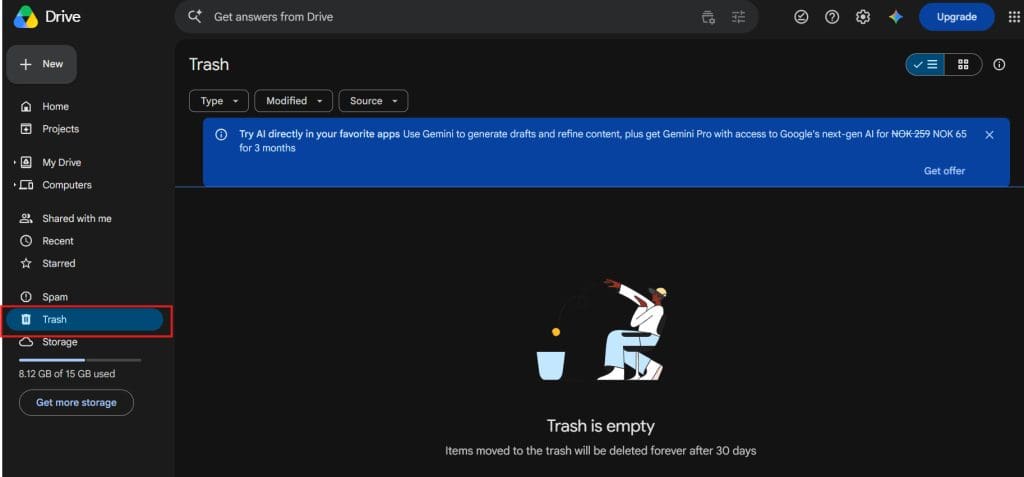
Sometimes the fastest way to recover deleted photos isn’t software scanning at all, as it’s checking automated background backups. Modern workflow ecosystems often upload files quietly while you sleep, meaning your missing shots might already be waiting for you in the cloud.
- Check cloud trash bins: Log into platforms like Google Drive, iCloud, or Dropbox from your browser and check their dedicated “Trash” or “Deleted Files” directories. Files deleted within the last 30 to 60 days can usually be restored instantly with a single click.
- Inspect companion camera apps: Many modern mirrorless systems and action cameras sync proxy files or JPEGs automatically to mobile apps via Wi-Fi during a shoot. Open your phone’s companion app to see if temporary cache copies made it off the card before it was cleared.
Framing your shots properly and matching your composition style makes a huge difference in your final portfolio delivery. If you produce vertical content or client social media promos alongside your main stills, check out our guide on the best lenses for Reels and TikToks to optimize your field of view and focus tracking.
Frequently Asked Questions
Can I recover deleted photos from an SD card after formatting it?
Yes. A standard quick format performed in-camera or on a computer only clears the file allocation table, leaving the actual image data intact beneath the surface until new data overwrites it.
Do I need to pay for photo recovery software?
While many professional tools require a license to actually save and export recovered files, free open-source options like PhotoRec or trial versions of commercial software let you scan and preview lost images before committing to a purchase.
Will recovering deleted photos restore them at full resolution?
Yes. Provided the underlying data sectors haven’t been overwritten by subsequent shooting, specialized recovery applications extract the exact original RAW or JPEG files at their native resolution.
Conclusion
Losing cherished images or client deliverables after formatting a memory card can feel like an absolute disaster, but it rarely means your photos are gone for good. By acting quickly, keeping new data off the card, running targeted deep-scan recovery tools, and checking cloud backups, you can usually rescue your missing work without a hitch. Just remember to always restore files to a separate drive so your recovery environment stays clean and secure!

Check out these 8 essential tools to help you succeed as a professional photographer.
Includes limited-time discounts.
WELCOME TO SHOTKIT
Enter your email to be sent
today's Welcome Gift:
19 Photography Tools
🔥 Popular Now:


Shotkit may earn a commission on affiliate links. Learn more.