






How Photographers Can Use AI Video to Add Motion to Their Business
Discover how professional photographers can embrace AI video to expand their services, market their brands, and generate value for clients.
AI | Software | By India Mantle | Last Updated: August 31, 2026
Shotkit may earn a commission on affiliate links. Learn more.
For a long time, there was a clear boundary between photography and videography. Professional photographers focused solely on capturing still images – specific moments of time and space that people can enjoy looking back on for years to come – and left moving pictures for the videographers.
However, in this modern age of artificial intelligence (AI), the lines between those two fields have become a little less rigid. Nowadays, photographs don’t have to stay still forever; they can be brought to life in the blink of an eye with AI technologies like Kling, Luma, and Runway.
These tools can turn any picture into an animation, adding the likes of gentle breezes, flowing fabrics, and facial expressions to your landscapes, portraits, and event photos. The technology is getting better all the time, and it might be exactly what you need to take your photography business to the next level.
How? Well, I’ve identified several different ways in which independent photographers and studio teams can incorporate AI into their service menus, branding, and other aspects of their businesses. The best part is that you don’t need to have any videography experience to extract value from this technology.
7 Ways to Incorporate AI Video Into Your Photography Business
I know plenty of photographers who shy away from working with AI, either because they’re unsure how to use it or they have reservations about its impact on the industry. However, when approached rationally and responsibly, this technology can be a real asset to your professional endeavors.
It can open up new revenue streams, help you keep up with changes in the industry, and may assist you in attracting and retaining more high-value clients, as well.
With that in mind, here are seven smart ways to incorporate AI video into your photography business. You probably won’t need or want to use all of them, so remember to consider your specific business nature and needs to decide which ones are best for you.
Turning Still Shoots Into Reels/TikToks
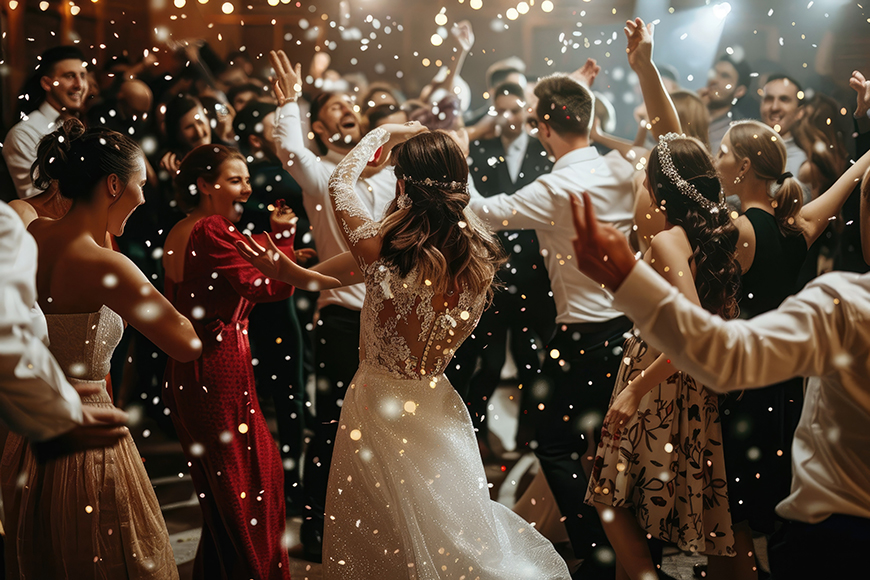
I’ll begin with arguably one of the most obvious and certainly one of the most effective ways to work AI video into your day-to-day workflows: turning collections of still images into short-form video content that you can share on your social media profiles.
Let’s say you’ve just wrapped up a wedding shoot, for example, and you want to share some teasers or previews for your clients to enjoy online. Typically, you might upload a quick carousel of half a dozen images to your Instagram page, but with AI video, you can do things a little differently.
Platforms like Kling allow you to animate still images and use them as part of a short video. You could pick some pictures of the bride, groom, and wedding party, for example, and use AI to make the wedding dress flutter in the wind or simulate the camera slowly moving across the scene.
AI can also generate transitions between images, so instead of users having to click between them, they can relax as the video plays. Some platforms, like Kling, can even generate background music to make your videos even more engaging.
This is just one of the ways you can use AI video to essentially squeeze more marketing value out of photographs you’ve already been paid for. I’ve personally found that people are often quite eager to share and repost these kinds of reels, which can help with building a brand and attracting new clients.
Making Motion Assets for Ads
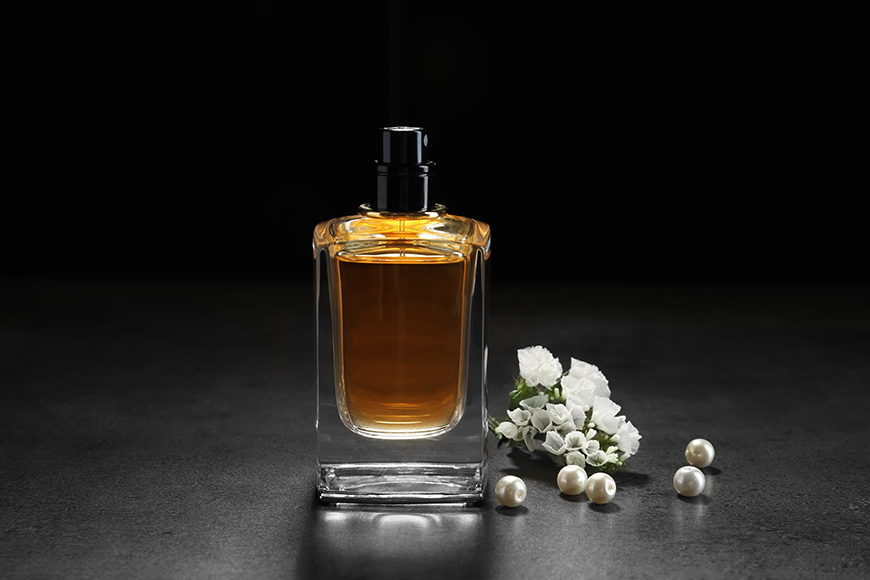
Next, here’s a way for photographers to potentially dip their toes into the field of product promotion by using AI video to turn still product pictures into motion assets, which can then be used in short video advertisements.
Let’s say a client has asked you to take some pictures of a fancy new bottle of perfume, for example. Usually, you’d take your pictures, placing the bottle in an array of luxurious and aesthetically pleasing settings and getting the lighting just right to capture a little gleam on the glass.
With AI video, you can animate those images in subtle and creative ways, like simulating a slow camera movement around the product, or introducing some environmental motion.
Leading AI animation platforms make it easy to download these brief clips in various resolutions and aspect ratios for popular sites like TikTok, Instagram, and YouTube.
So, along with offering your client the still images they asked for, you could offer a premium package that also includes ready-to-publish motion assets for all of the major social media platforms, which leads neatly into my next method.
Adding Video to Client Packages
If you’re looking for a way to potentially bring in more revenue or open up new money-making channels for your photography business without having to take on a significantly larger workload, why not offer AI video as an additional deliverable on your service menu?
I know plenty of photography studios are already doing this, and it’s helping them make a profit per client without having to take hundreds more photos or spend extra hours out in the field.
Here’s how it works: in addition to offering your usual photo packages that might include specific amounts of edited images, start offering add-ons or upgraded packages that also include AI motion.
For example:
- Standard Package: One-hour photoshoot and 10 edited images for $300
- Premium Package: One-hour photoshoot, 10 edited images, and three AI clips for $450
Your client then has the option of paying extra for additional assets, but you’re still spending the same amount of time on the shoot itself and the photo editing. You simply have to spend a little extra time on your chosen AI platform to turn three of your favorite images into animations.
Repurposing Existing Photography Into Social Content
A common mistake I’ve seen both beginners and seasoned photographers make is failing to make the most of their older content. They finish a shoot, deliver their edited images to the client, and then file the pictures away in their portfolio, where they’re rarely seen again.
Photos don’t lose beauty or value as they age, and one of the best ways to use AI video is to breathe new life into some of those older images that you might have otherwise forgotten.
You can look through your pre-existing portfolio, find some of your favorite photos from shoots of yesteryear, and then use AI to add dashes of life and movement.
You can then combine these images in short videos to share online, like your “Top 10 Wedding Pictures,” for example, or your “Five Favorite Landscapes.” You could even animate a single image and write a story for your followers about what it means to you or behind-the-scenes details of the shoot.
This is a fun way to revisit older images, rediscover lost pictures, and market your photography skills and services, all at once.
Generating Dynamic Portfolios for Your Website
The vast majority of professional photographers will have portfolio pages on their personal or studio websites, in which they show off some of their favorite photos from past shoots. But your portfolio doesn’t necessarily need to just be a grid of still pictures.
With AI, you can create a more dynamic and engaging presentation-style portfolio with subtle motion and cinematic transitions between each image. This doesn’t have to replace your regular portfolio page; instead, it can complement it.
You can place your “motion portfolio” as a hero video on your website’s home page, for example, or pin it to the top of your social media profiles, so that prospective new clients can get a feel for your style in a single click.
The key here is not to go overboard with the AI animation and effects. A proper portfolio should always be an authentic reflection of your photographic abilities and aesthetic, so make sure to opt for subtle, gentle movements that highlight your work without causing needless distractions.
Telling Stories With Event Photographs
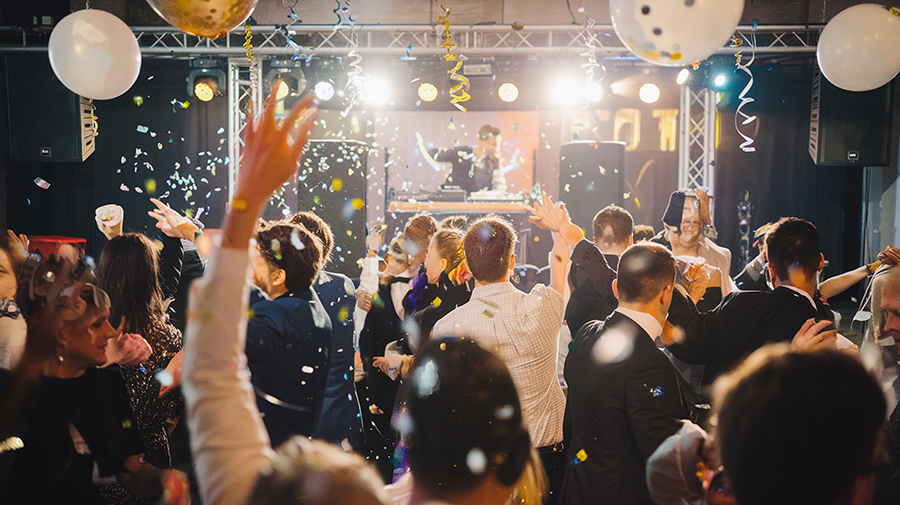
Another way you can work AI video into your photography business is to create short clips or compilations of event images that tell the story of how the event occurred.
Imagine you’re in the process of editing images from a work party or conference, for example, and may need several more days of work before the final photos are ready. But you want to give your client an asset they can publish today to share with their employees, clients, and followers.
You could take a selection of pictures from different stages of the event and blend them together into a linear AI video, showing the venue being prepared, the first guests arriving, the opening speeches, and so on, all the way up to the final moments before the event came to an end.
Many clients find this kind of story-oriented content particularly appealing, especially for marketing purposes, so they may be willing to pay a sizable premium for it.
Creating Real Estate Tours
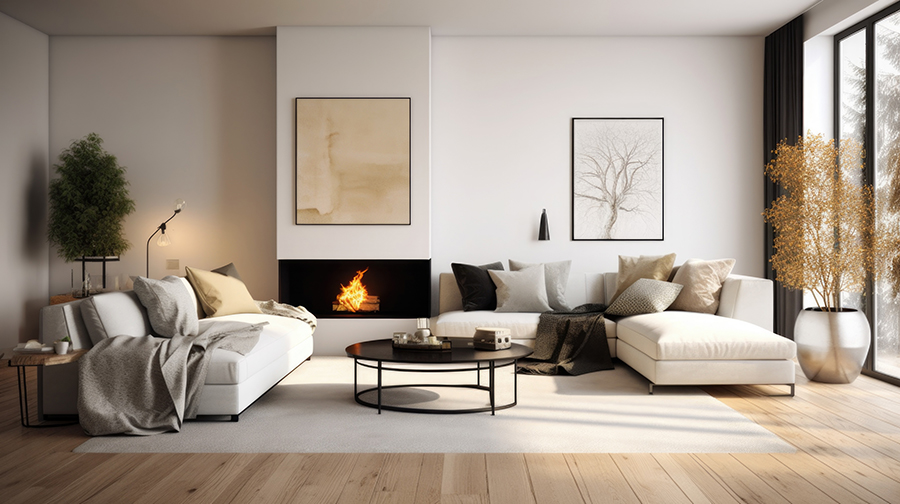
Finally, this is a little more of a niche option and won’t work for everyone, but if you happen to do any photography in the real estate space, AI video could help you turn your still property images into exciting virtual tours.
You can upload a collection of regular real estate images to your chosen AI video platform, for example, and use AI to stitch them together into a seamless video presentation.
The software can link your images together with natural cuts and pans as the scene shifts from room to room, creating the impression of a more dynamic walkthrough, but without requiring a traditional videographer to film the whole home.
Agencies may prefer this simpler, cheaper option to conventional video tours, especially if they’re working with limited budgets or looking for ways to cut costs. The same idea also applies for hospitality businesses, like hotels, restaurants, and event venues.
The Best AI Video Tools to Use
You don’t need to go “all in” on AI technologies and sign up for multiple sites and services to make the most of this technology. All you need is one good AI video platform, many of which offer free trials or entry-level plans.
However, with such a large number of AI video options out there, and more popping up all the time, you may not know quite where to start. With that in mind, here are a few of my personal recommendations for AI video tools that I consider secure, easy to work with, and effective:
- Kling: One of the most popular AI video platforms available today, Kling stands out for its intuitive “Creative Studio” and the impressive level of detail and realism of its content.
- Luma: Also known as Dream Machine, Luma is a popular AI video tool prized for its fast processing speeds and cinematic-style camera controls.
- Runway: Another leading name in AI video, Runway offers a range of tools for generating and editing video, including image-to-video workflows.
Note that subscription prices vary between platforms, and you may find some easier to work with than others. As such, I recommend looking at detailed reviews of the platforms that most interest you, as well as considering your budget, technical abilities, and unique requirements to select the right one.
More: Testing the 7 Best AI Video Upscalers for Natural Results
The Final Word – Embrace AI Video to Bolster Your Photography Business
As you can see, AI video offers a surprising array of ways to expand your photography business. It can potentially unlock new revenue streams for you, help you make stronger connections with your clients, and aid in building your brand and showing off the very best of your work.
It’s not for everyone, and some users may find it better-suited to their business needs than others. But if you feel like your service menu could use some expansion or your marketing campaigns could use an upgrade, AI video could be exactly what you need.

As the General Manager of Shotkit, India Mantle brings with her a lifelong love for photography that she developed during her childhood, watching her father document their family moments with his Nikon EM. In her free time, you find her enjoying the awe-inspiring natural beauty of her home, Northern Rivers, Australia.
1 Comment
Leave a Comment
👋 WELCOME TO SHOTKIT!
🔥 Popular NOW:

Gentle fabric movement and changing facial expressions feel like very different promises to make to a photography client. Turning still shoots into reels could be useful, but I would first prepare a clean, full-resolution copy of the photograph and inspect any restored faces before animating it. Small invented details in an upscaled portrait may become much more noticeable once the face moves. Your distinction between still photography and video raises an interesting delivery question. Would you include the original photograph beside every animated version in a client package?