Adobe Photoshop

If you’re looking to find out more about Photoshop, this is the place for you. Perhaps you’re a new photographer seeking out the best software to edit and retouch your photos. Or maybe you’re a seasoned pro looking for more advanced tips, tricks and tutorials.


How to Colorize Black-and-White Photos in Photoshop (Fastest AI Methods)
How to Use Photoshop’s NEW Actions Panel for Faster, Smarter Edits
How to Use Photoshop’s AI Background Remover (Online, Desktop, and Mobile)
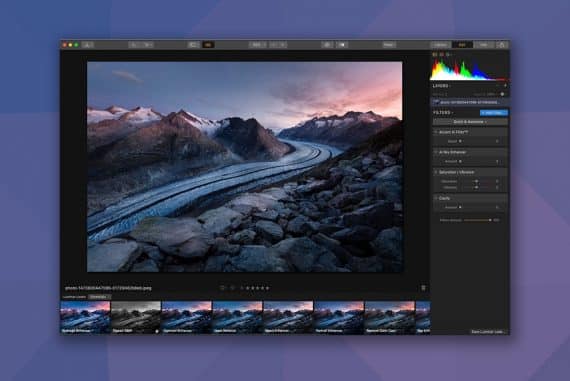
Photoshop vs Luminar Neo for AI Photo Editing
The Best AI-Powered Tools in Lightroom & Photoshop
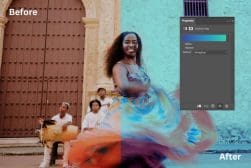
How to Use the New Adjust Colors Feature in Photoshop
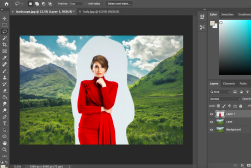
How to Use the New Select People Feature in Photoshop
Fixing Strobes in Black & White when Opening Photoshop Files
How to Convert Color Photos to Black & White in Photoshop CS6
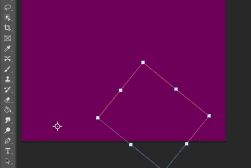
How to Move Anchor Points in Photoshop
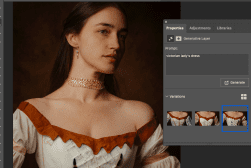
How to Generate AI Accessories for Portraits in Photoshop
Why Photos look Different in Lightroom vs Photoshop (& How to Fix)
How to Remove Fabric Wrinkles in Photoshop (Using AI or Manually)
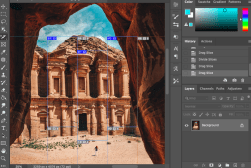
How to Replace Sky in Photoshop (2 Ways)
Photoshop Express vs Lightroom Mobile App
How to Use The Gradient Map in Photoshop
How to Swap Backgrounds using AI in Photoshop
How to Remove Braces and Fix Teeth with AI in Photoshop
How to Face Swap in Photoshop using AI Generative Fill
How to Use the Content Aware Move Tool in Photoshop
How to Change Color to Alpha in Photoshop
How to Select by Color in Photoshop (4 Ways)
How to Stitch Images Together in Photoshop (Two Methods)
How to Use Artboards in Photoshop (Plus When & Why)
How to Remove Anchor Points in Photoshop
How to Align Layers in Photoshop (in 2 Simple Steps)
How to Round Corners in Photoshop (Shapes & Photos)
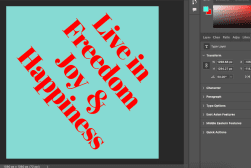
How to Rotate Text in Photoshop (All Text, Sentence or Letter)
How to Use the Slice Tool in Photoshop
How to Use the Pen Tool in Photoshop
How to Use the Warp Tool in Photoshop (3 Ways)
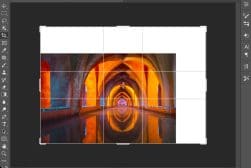
How to Crop Layers in Photoshop (2 Quick Methods)
How to Remove a Double Chin with Photoshop
How to Change Canvas Size in Photoshop
How to Merge & Flatten Images in Photoshop
21 Fun Photoshop Ideas to Try Today
How to Draw Arrows in Photoshop (Four Ways)
How to Center Text in Photoshop (Within Canvas or Selection)
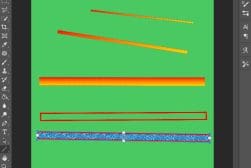
How to Use the Line Tool in Photoshop (All Three Ways)
13 Photoshop Selection Tools (How & When to Use Them)
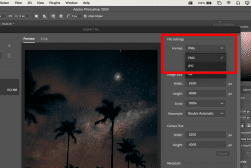
Photoshop Can’t Save as PNG? Here’s The Solution
How to change GIF Speed in Photoshop (Fast or Slow)
Pixelmator Pro vs. Photoshop (7 Key Differences)
How to Change Color of Logo in Photoshop (Three Ways)
How to add Bullet Points in Photoshop (3 Options)
Best Free Photoshop Alternatives in 2025 (+ Cheap Options)
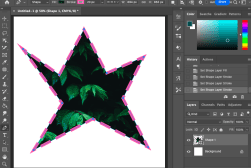
How To Make Dotted & Dashed Lines In Photoshop (3 Ways)
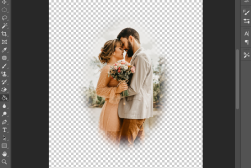
How to Blur Edges in Photoshop (Quick & Easy Methods)
How to Photoshop Nudes Photos (Tips and Examples)
How to Smooth Edges in Photoshop (Two Methods)
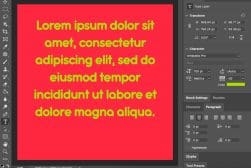
How to Wrap Text in Photoshop (Three Different Ways)
15 Ways to Tell if an Image Has Been Photoshopped
How to Underline Text in Photoshop (Plus Customized Options)
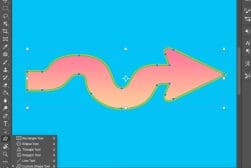
How to Draw a Curved Arrow in Photoshop (And Save as a Preset)
How to Photoshop Someone Into a Picture
Photoshop vs Procreate (Key Differences in 2025)
Photoshop AI Generative Expand Tool (Tutorial & Tips)
How to Use Photoshop Actions (+ Creating Your Own)
How to Use Photoshop Presets (+ Where to Download)
How to Focus Stack in Photoshop (Simplest Way)
Photoshop vs Canva in 2025: What are the Differences?
Photoshop for iPad – What You Can Do & What’s Missing
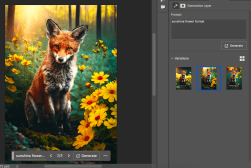
Photoshop AI Generative Fill Tool (Tutorial + Tips)
Best Adobe Photography Plan Deals in 2025
How to Outline Images in Photoshop (4 Simple Steps)
How to use Photoshop with Lightroom Effectively
The History of Adobe Photoshop Versions
Adobe Illustrator vs Photoshop: Key Differences in 2025
Affinity Photo vs Photoshop: What’s the Difference?
How to Use Content-Aware Scale in Photoshop
How to Stretch an Image or Layer in Photoshop (3 Ways)
How and Why to Use the Channel Mixer in Photoshop
Photoshop vs. Photoshop Elements: What’s the Difference?

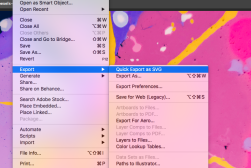
Using SVG Files in Photoshop (What, Why, and How)
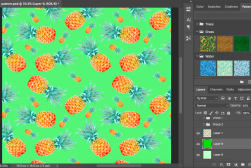
How to Create a Seamless Pattern in Photoshop (6 Quick Steps)
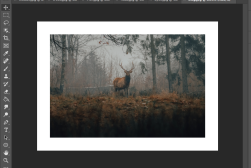
How to Make Borders in Photoshop (Colored or Decorative)
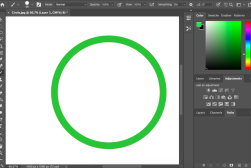
How to Draw a Circle in Photoshop (Outline or Fill)
How to Locate a Missing Toolbar or Panel in Photoshop
How to Copy and Paste in Photoshop to Save Hours of Time
How to Invert Colors in Photoshop (Two Options)
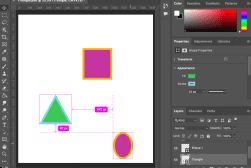
How to Make a Custom Shape in Photoshop
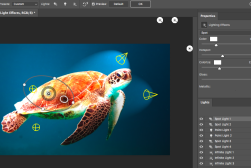
How to Add Lighting Effects in Photoshop
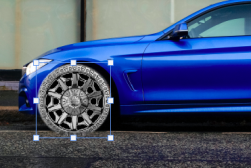
How To Photoshop Wheels On A Car in Record Time
How to Use the Eraser Tool in Photoshop (All 3 Versions)
How to Use the Lasso tool in Photoshop (All 3 Versions)
How to Undo and Redo in Photoshop (Three Methods)
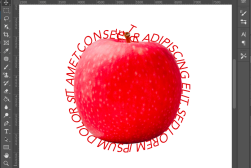
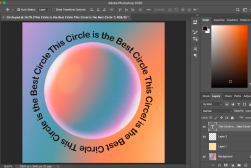
How to Type in a Circle in Photoshop in Just 3 Steps
What’s The Best Way to Buy Photoshop in 2025?
How to Insert Images in Photoshop The Easy Way
How to Create a Rainbow Gradient in Photoshop (& Save as a Preset)
How to Outline Text in Photoshop (+ Make It Transparent)
How to Use the Paint Bucket Tool in Photoshop
How to Photoshop Pictures (Simple 3 Step Beginners Guide)
How to Remove a Shadow in Photoshop (Two Easy Methods)
How to Extend a Background in Photoshop (3 Techniques)
How to Merge / Blend Two Images in Photoshop
How To Use Content Aware Fill In Photoshop
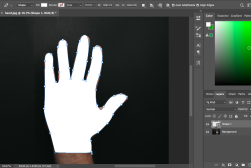
How to Cut Out an Image in Photoshop
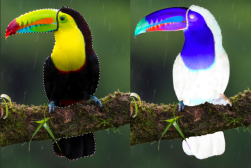
How to Use Selective Color in Photoshop (In 4 Quick Steps)
How to Change DPI in Photoshop (Plus More Tips)

Either way, these Photoshop reviews and guides have you covered.

In them, we look at stuff like the best plugins, which free alternatives are worth downloading, and how Photoshop stacks up against other photography software.

We also demystify the Photoshop plans and pricing. Because, honestly, it’s kind of complicated..!

What are the pros and cons of each software version and plan? Which one should you get and do you even really need it at all? Those are some of the questions we look to answer for you right here.

So dive in and take a look at these Photoshop guides. They’re all in-depth, impartial, and really quite fun to read (not that we’re at all biased..!).
Regardless of your Photoshop skill level, there’s bound to be something useful here for you.